Free neighbor help
Ask for help. Offer help.
A meal, a ride, a move, a hand on a hard day. Lightwork is the free app for asking when you need help — and showing up when you can. No group required.


Free to use, on every device.
How it works
Three steps from “I could use a hand” to done.
Real screens from the app, with the kinds of asks neighbors make every day.
The feed
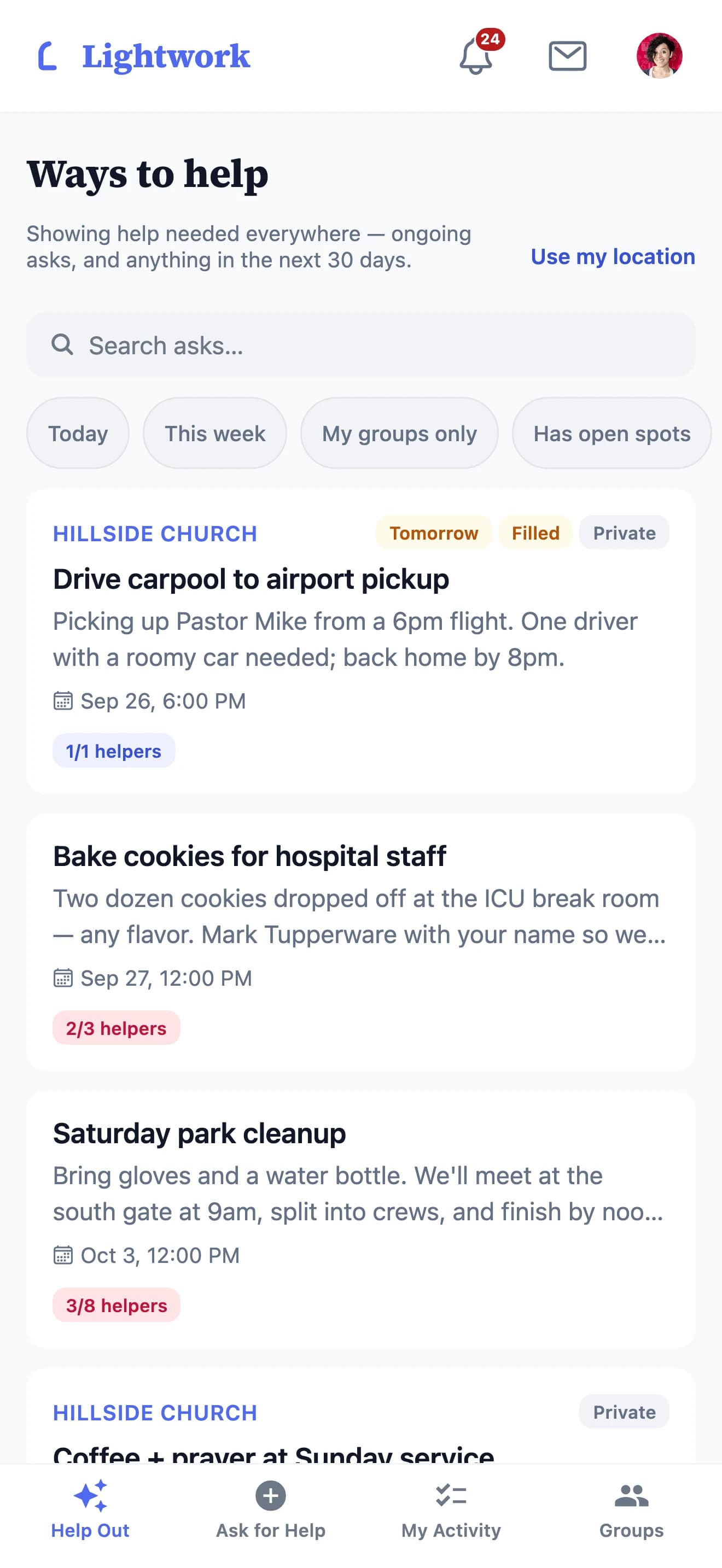
Every open ask, in one place.
A ride to the airport, cookies for a hospital shift, a Saturday cleanup — see what's open right now, and how many neighbors have already said yes.
Asking
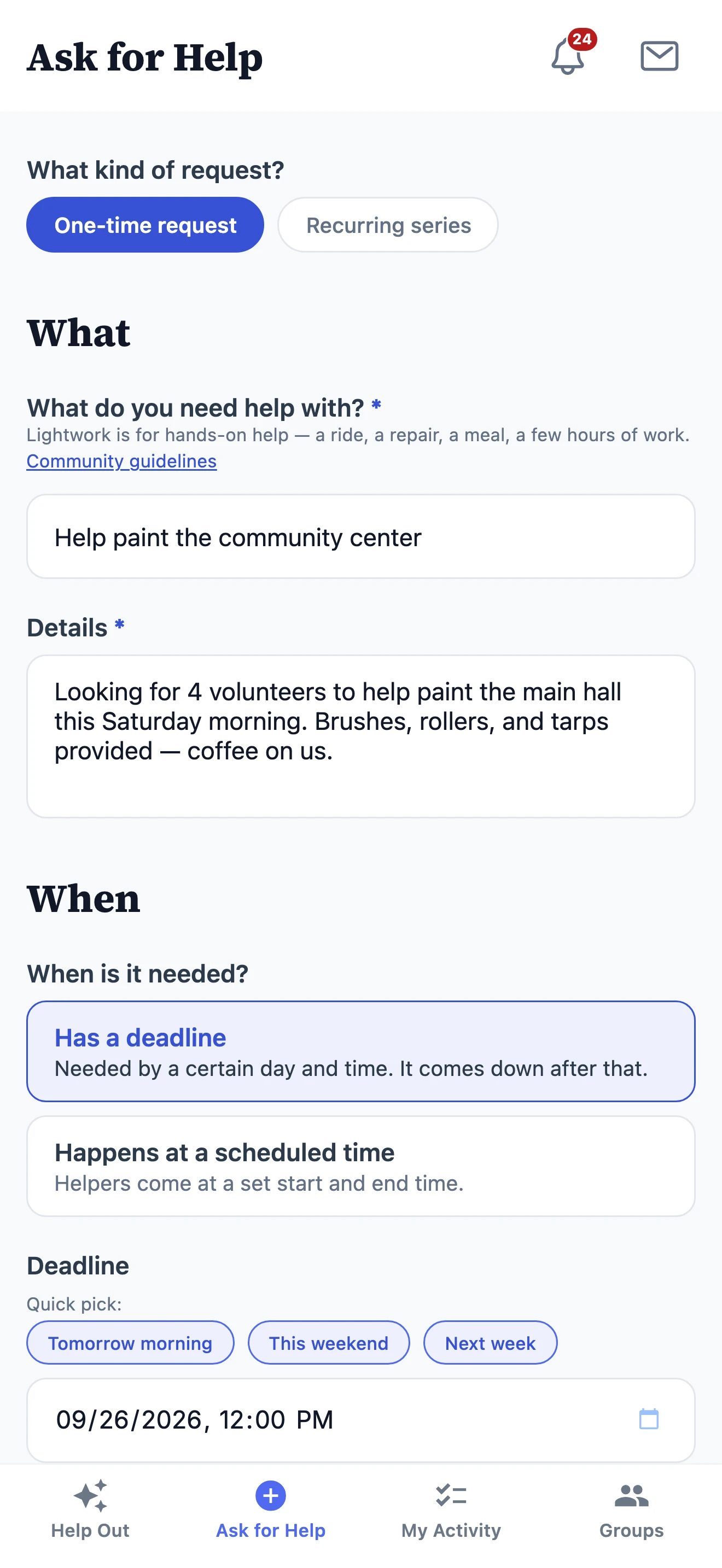
Ask plainly. It takes about thirty seconds.
Say what you need in a sentence, choose who can see it, and share your name or stay anonymous. No campaign, no explaining yourself.
Showing up
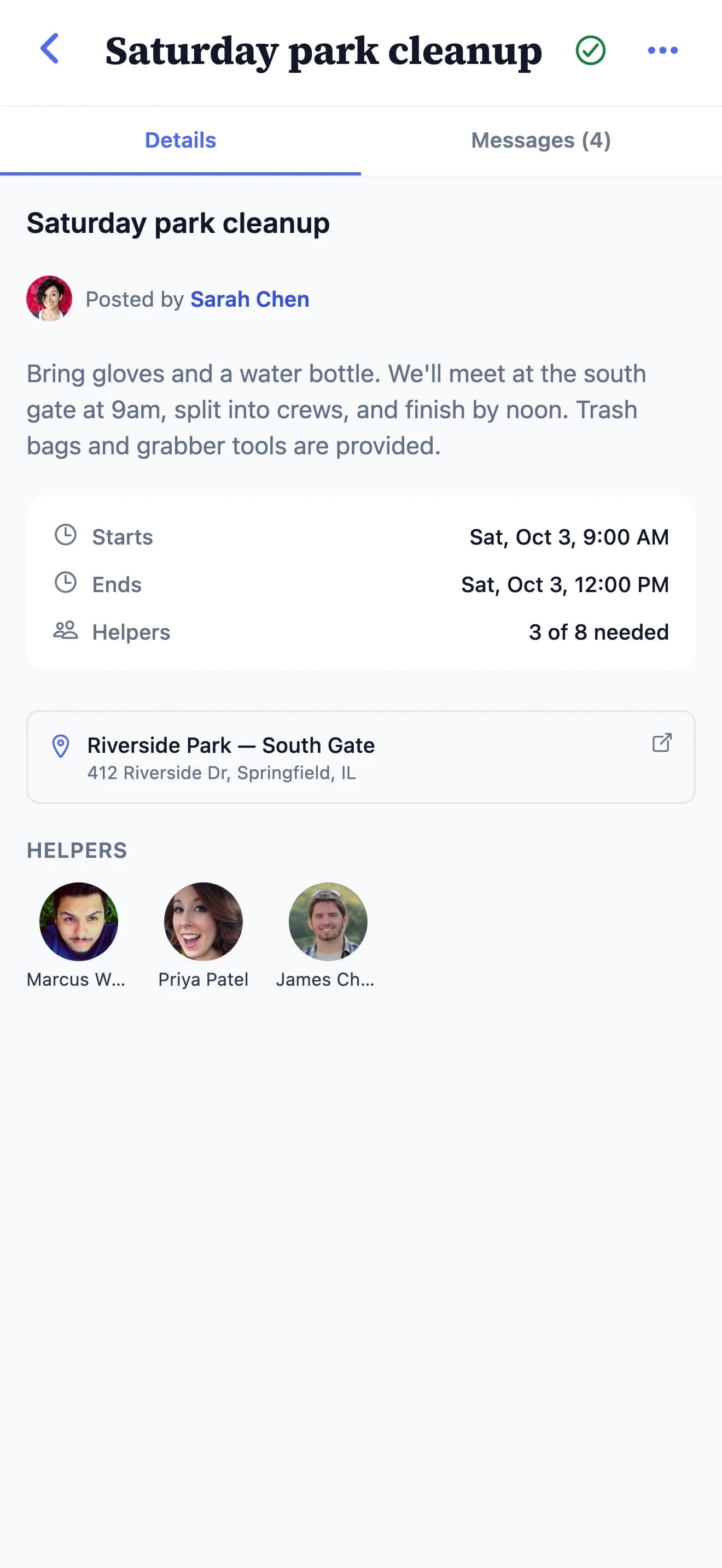
Then it’s just people showing up.
Time, place, and how many hands are needed all live on the request, so nobody has to chase a thread to find out where to be.
And the rest of the day‑to‑day
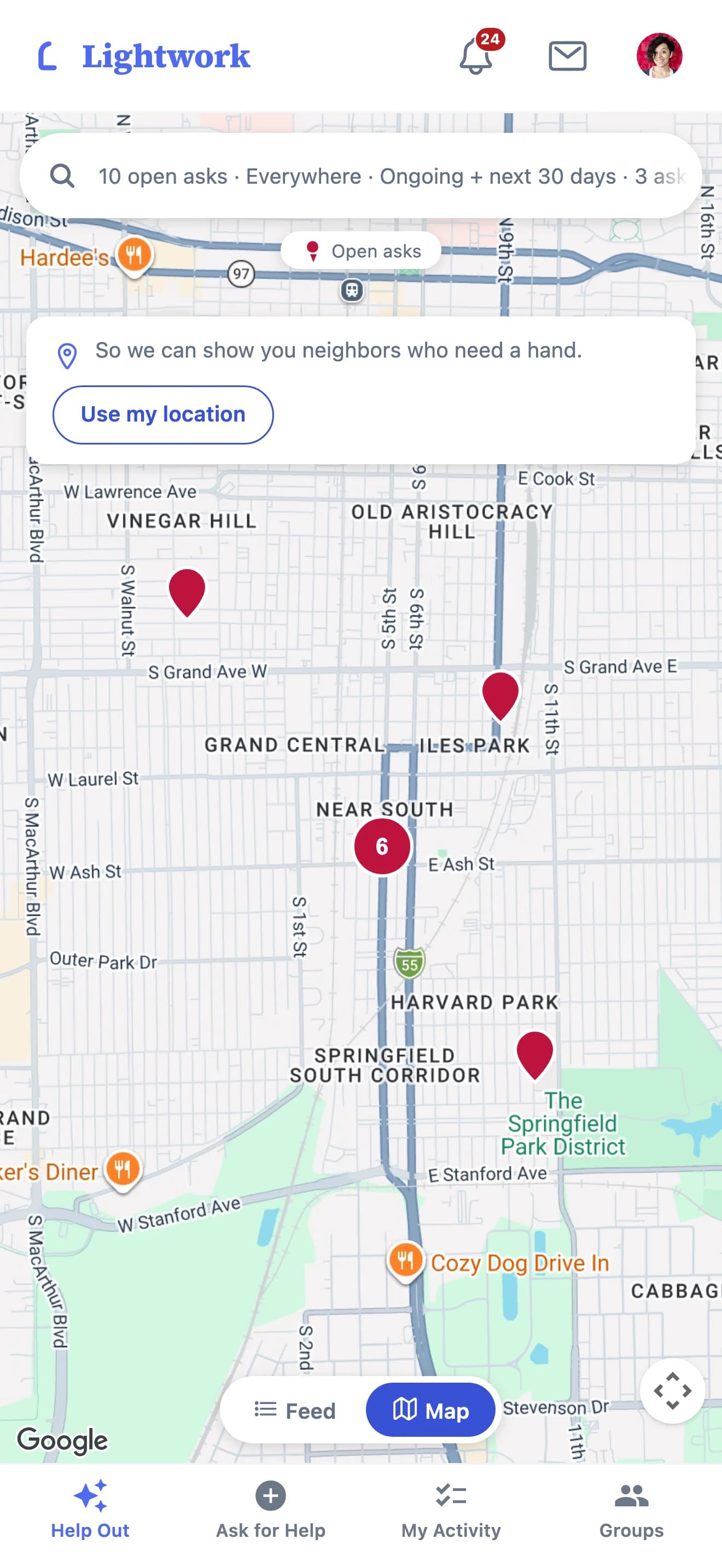
A map of what’s needed
Open asks near you, pin by pin.
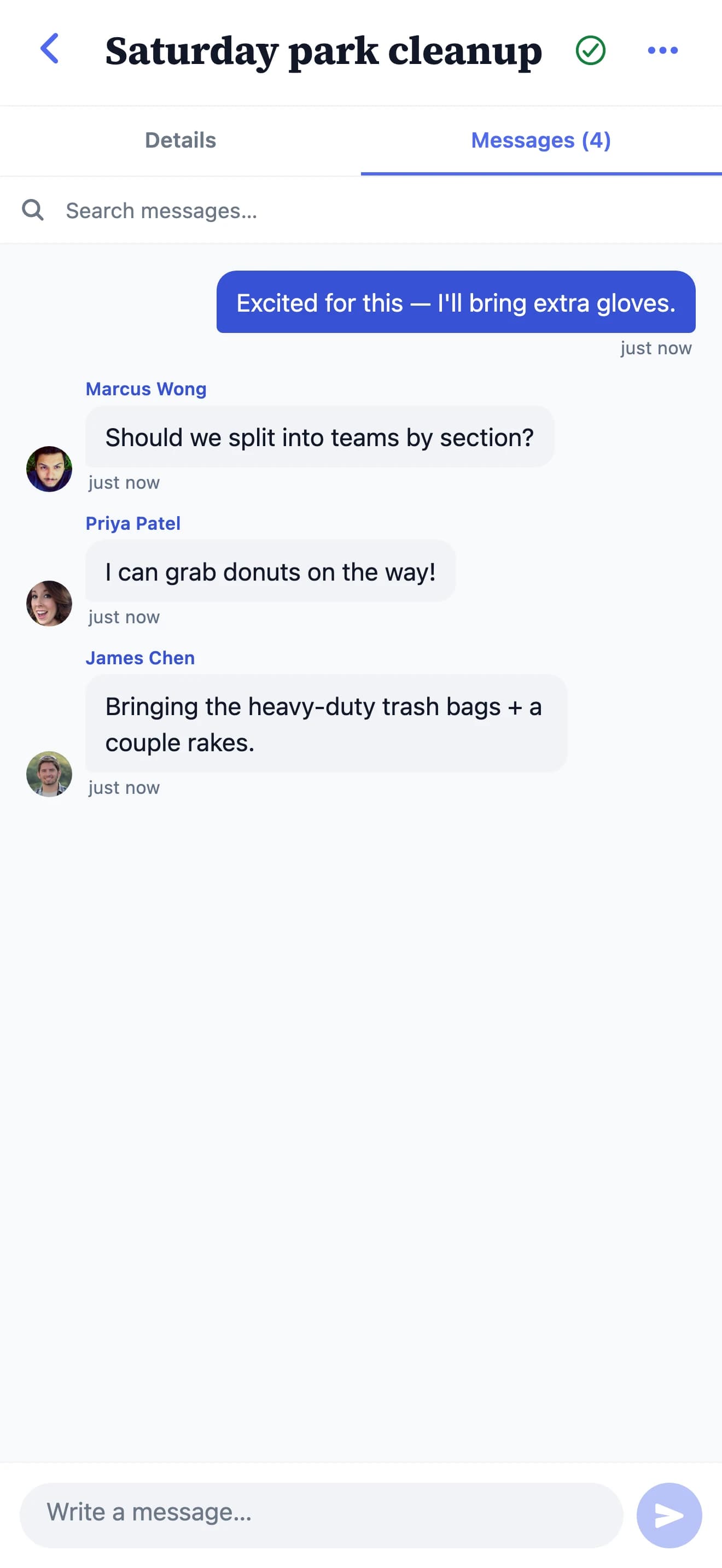
Sorting the details
Real-time chat on every request — who brings what, and when.
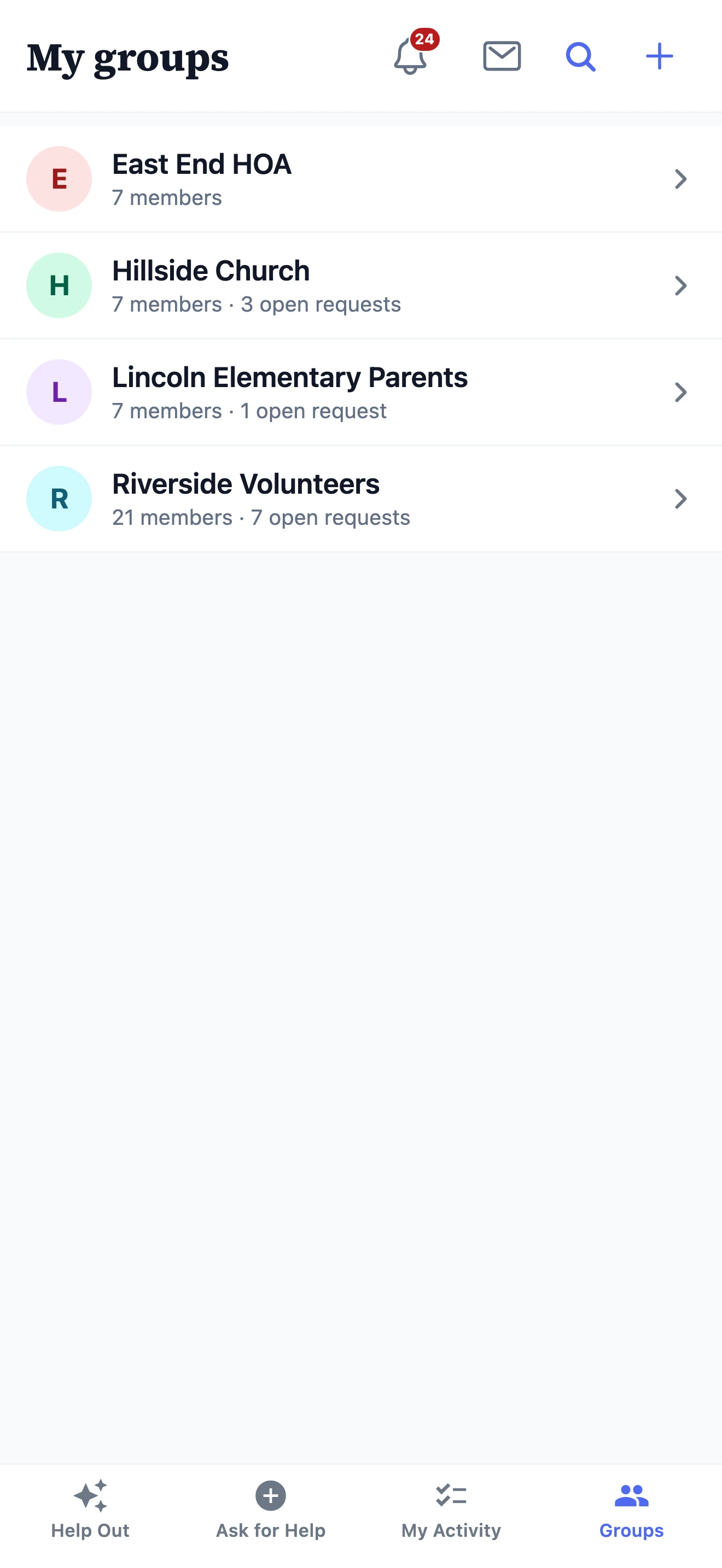
Your groups
An HOA, a church, a school parents’ group, a volunteer circle.
Who it’s for
One app for every kind of community.
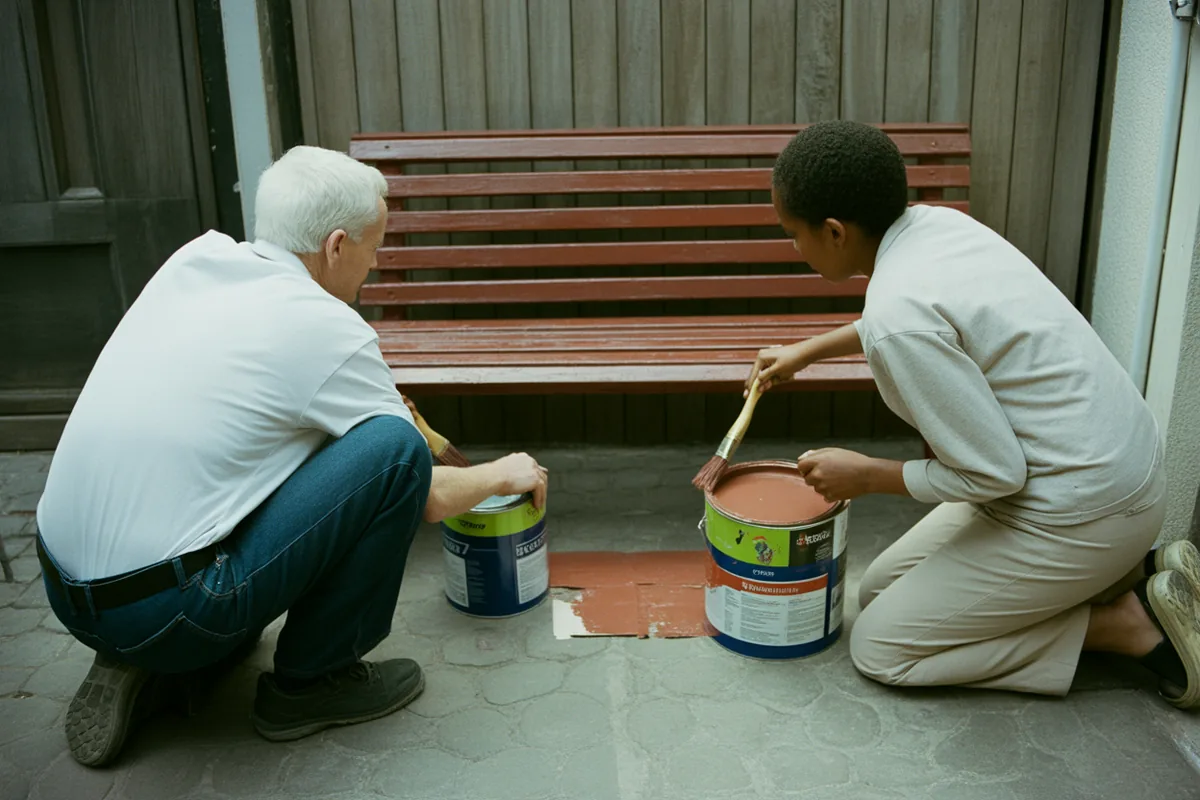
Just you and a neighbor
No group to join — ask someone nearby directly, or offer to help, one on one.
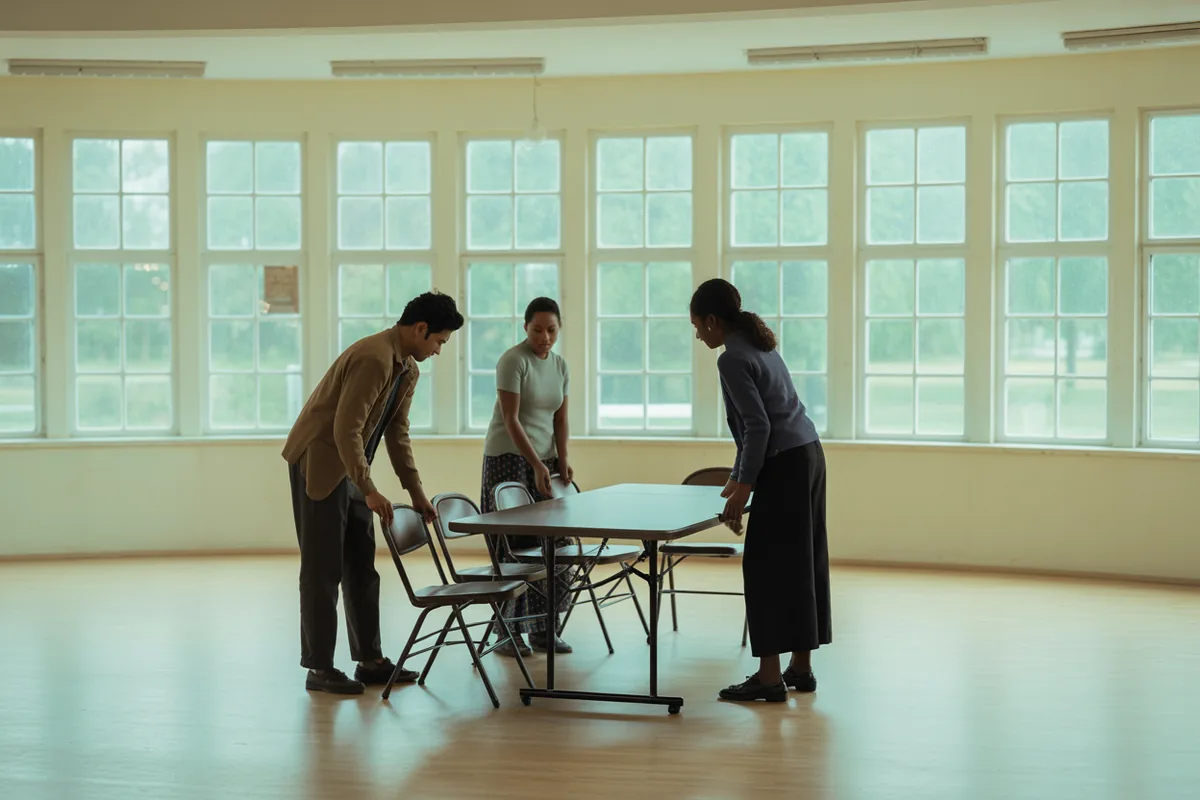
Churches & faith communities
Care teams and congregations coordinating meals, rides, and visits.
See how it works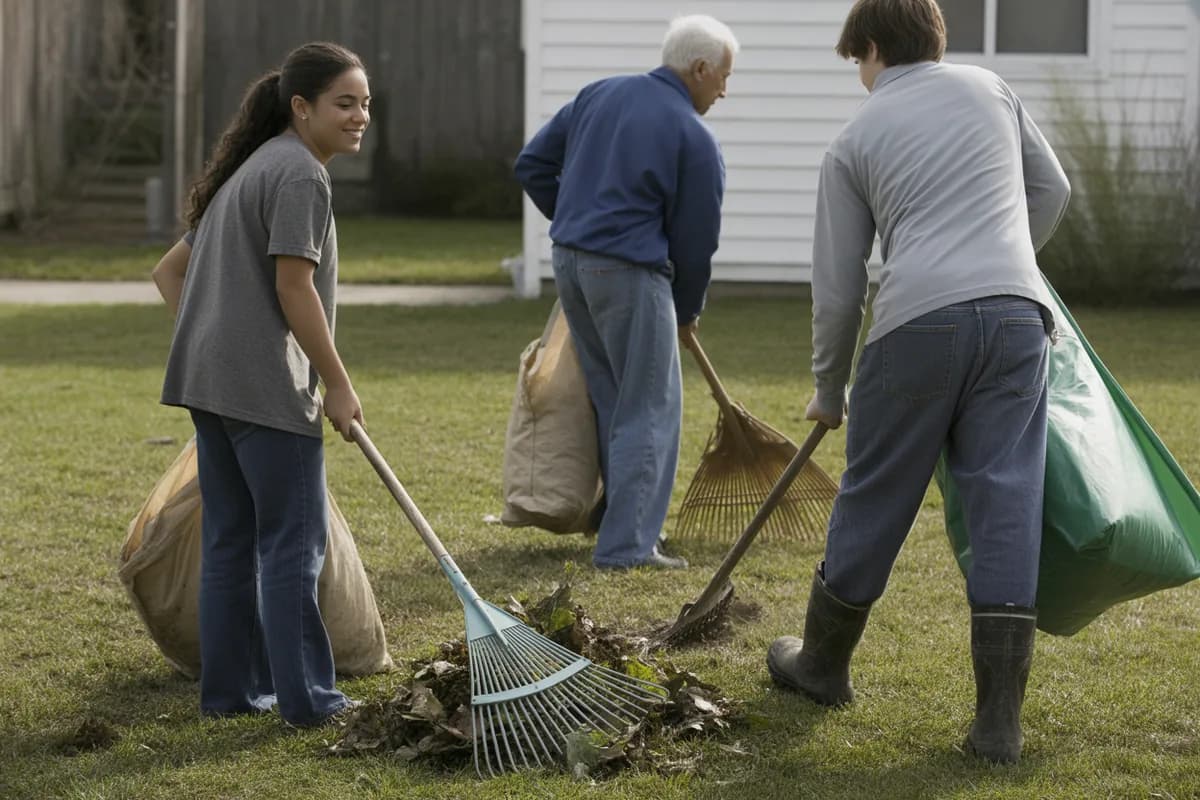
Neighborhoods
The block that trades tools, watches pets, and checks on each other.
See how it works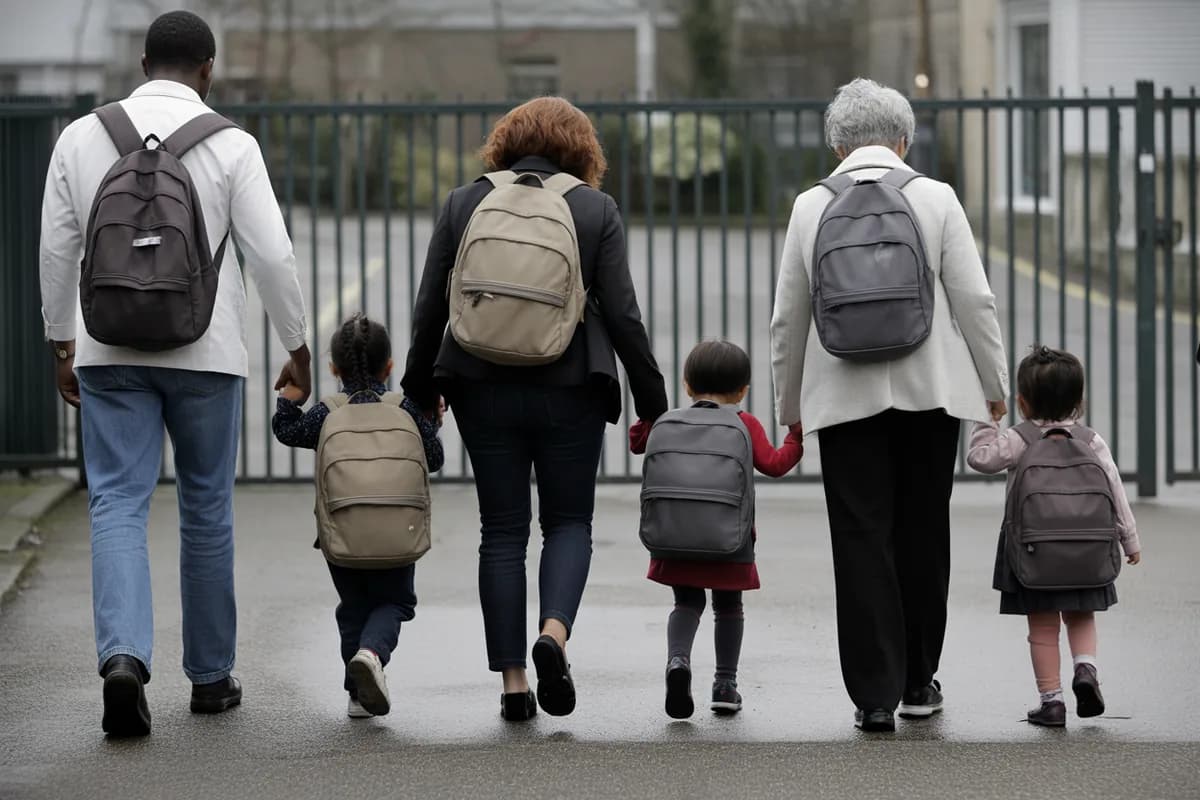
Schools & parent groups
Room parents and PTAs rallying help around families.
See how it works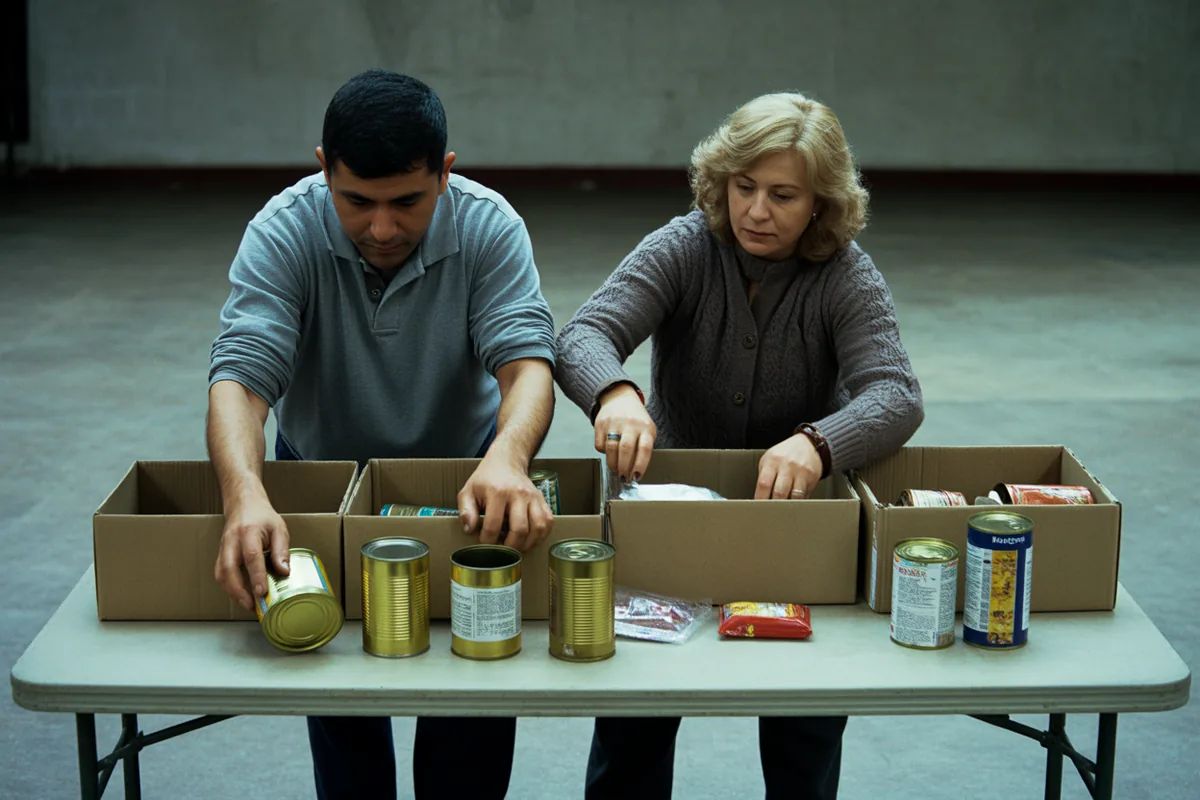
Mutual-aid circles
Groups pooling time and hands where they’re needed most.

Small nonprofits
Lean teams turning volunteers into shown-up, on-time help.
See how it worksWhere we’re starting first:
Madison County, Kentucky
Fayette County, Kentucky
Why Lightwork
You already have a way to ask. This one actually works.
Most help gets coordinated in a group text, a Facebook group, or a spreadsheet that half-works. Here’s where Lightwork is different.
| What you can do | Lightwork | Group chat | Sheet | |
|---|---|---|---|---|
| Asks stay put instead of scrolling away | Yes | No | Somewhat | Yes |
| Offer to help with a single tap | Yes | No | No | No |
| See exactly who’s coming | Yes | Somewhat | Somewhat | Yes |
| Ask privately — or anonymously | Yes | No | No | No |
| Keep an ask private to your group when you want | Yes | Yes | Somewhat | Yes |
| Free, with no ads | Yes | Yes | No | Yes |
What you get
Built so asking for help feels safe.
Private by default
Ask anonymously when you need to. Your identity is never revealed in notifications, share links, search, or messages — unless you choose to share it.
Your area, or your group
An ask is public to your area by default, so anyone nearby can lend a hand — no group required. Post it to a group and only that group’s members see it: your church, your street, your school.
Direct, safe messaging
A private message to one person, separate from the chat on the ask. A message request you decline simply disappears — no awkwardness, no pressure.
Everywhere you are
One account across iOS, Android, and the web. Start on your phone, finish on your laptop.
Free, and built to stay kind
No ads, no selling attention. Lightwork measures help given, not time spent.
Where we’re starting
We’re starting in Madison County and Fayette County, Kentucky.
Lightwork is available now on the App Store, Google Play, and the web. We’re new, and we won’t pretend otherwise. Instead of borrowed logos or made-up reviews, here’s something you can check: 57 organizations that take volunteers in and around Richmond, Berea and Lexington, each one compiled from its own public pages.
Richmond
CASA of the Wilderness Trail
Train to become a court-appointed advocate for a child in foster care, or help with office and event support for this Richmond child-advocacy nonprofit.
Richmond
Madison County Extension Homemakers Association
Join a clothing, cultural-arts, or heritage-skills project, or help run a community education workshop through this longtime Richmond volunteer network.
Berea
Union Church of Berea
Prepare and hand out bagged lunches on weekday afternoons at Berea Community School, help with a church or street cleanup day, or support a community blood drive at this Berea church.
Lexington
Arbor Youth Services
Central Kentucky’s only emergency shelter for children from birth to 18, which also runs crisis intervention, street outreach, and overnight shelter for young adults 18 to 24. Ways to help are arranged through the office rather than an online form.
Lexington
Lexington Humane Society
Help with animal care, adoption events, and the office work that keeps the shelter running — there are openings nearly every day of the week on Old Frankfort Pike.
Lexington
Woodstock Animal Foundation
Foster a cat or dog until the right home turns up, or lend a hand around the low-cost spay/neuter clinic and the adoptions this rescue runs out of Lane Allen Road.
None of them are affiliated with Lightwork and none of them use it. They’re here because this is where we’re starting, and a network of neighbors only works where the neighbors are. Somewhere else? You’re early — the feed near you stays quiet until the people near you are on it.
All 26 organizations in Madison County, KentuckyLightwork in Madison CountyAll 31 organizations in Fayette County, KentuckyLightwork in Fayette County
Questions
The honest answers, up front.
Is Lightwork really free?
Yes. Asking for help and offering it are free — no ads, no catch, and we don’t sell your attention or your data. Organizations that use Lightwork to coordinate volunteers pay for that. A neighbor helping a neighbor never does.
Do small groups and churches have to pay?
No. If you’re one person keeping something going — a meal train, a mowing rota, a care team — the tools for it are free, including co-managers, a repeating schedule, and coverage you can see ahead of time. You can run as many groups and as many repeating programs as you like without paying. What’s paid for is the organization layer: a verified badge on the help you sponsor, oversight across groups your staff never joined, and the volunteer-hour records your funders ask for.
Can we report volunteer hours to our funder?
Yes. From your organization dashboard, pick a date range and export a plain CSV of the hours recorded against the help you sponsor — who served, when, what they did, and whether each hour is attested. Every row is valued two ways: a narrative impact figure, and, if you enter your own labor-market rate, a federal-match figure — so hours can be verified in your own records the way a federal match requires.
Can the people we serve use it without an account?
Yes. You can ask on someone’s behalf, so the person receiving help never has to download anything or sign up. Their address, contact, and access notes stay hidden until a helper signs up for that date — and then only that helper can see them.
Who can see what I ask for?
An ask is public to your area by default, so anyone nearby can offer to help. Post it to a group and only that group’s members see it: your church, your street, your school. Either way you can ask anonymously, and your name is never shown unless you choose to share it.
Do I need to join a group?
No. An ask is public to your area by default, so asking and helping both work without one. Post it to a group and only that group’s members see it — your church, your street, or your school — but a group is never a precondition.
How is this different from a group text or a Facebook group?
In a group chat, an ask scrolls away in minutes and no one’s sure who’s got it. In Lightwork each ask stands on its own: people offer with a tap, you see who’s coming, and you sort the details in the chat on the ask. Nothing gets lost, and no one feels put on the spot.
What kind of help can I ask for?
Anything a neighbor could do. A meal this week, a ride to an appointment, a hand moving a couch, a check-in after a new baby or a hard stretch. If you’d ask a friend, you can ask here.
Which devices does it work on?
iPhone, Android, and the web — one account across all three. Start an ask on your phone and pick it up on your laptop.
How do I get my community started?
Sign up free and post your first ask. It is public to your area by default, so anyone nearby can offer a hand. Post it to a group and only that group’s members see it. Either way, small acts, stacked up, are what carry a community.
Your community is one ask away from showing up.
Ask for help and see who pitches in. It’s free.
Related reading